Upgrade Your Home Network with UniFi: A Personal Experience
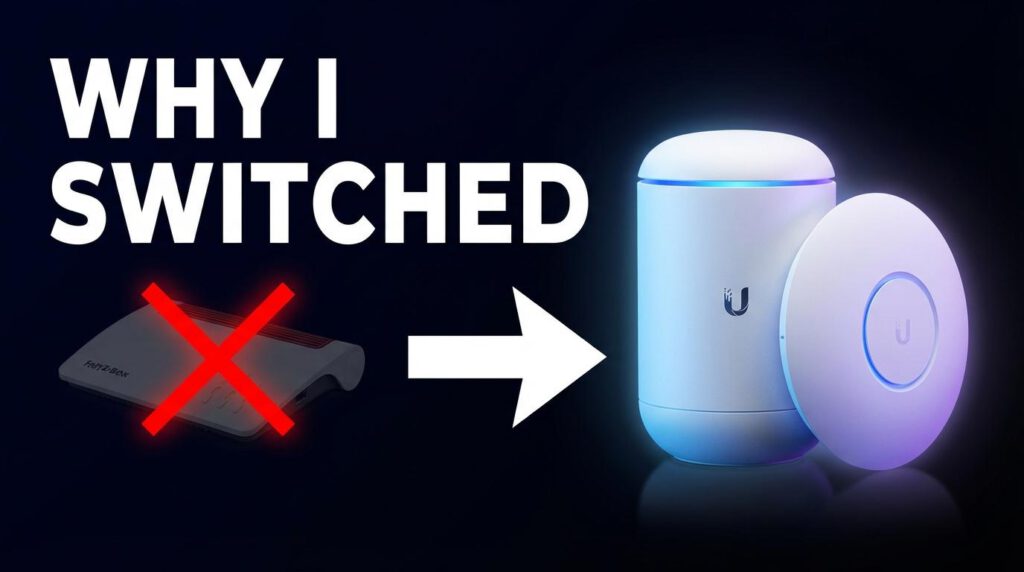
Have you ever felt that your home network setup is holding you back? For quite some time, I felt that my trusty Fritzbox was just not cutting it anymore. I needed something more robust and professional. So, I decided to take the plunge and transitioned to a full UniFi setup. Let me tell you, it has been a game-changer!

🔄 Why I Switched: The Challenge with Fritzbox
The Fritzbox served me well for many years, but as my smart home grew, managing different devices became a cumbersome task. Segmentation was nearly impossible, and my IoT devices were mingling unchecked with more sensitive devices that shouldn’t have internet access.
🛠️ The Solution: Dive into the UniFi Ecosystem
Switching to UniFi allowed me to wield far greater control over my network. Here’s how my setup looks now:
- UniFi Gateway Ultra: The backbone of my network, providing powerful routing capabilities.
- UniFi Switch: Ensures seamless connectivity for all devices.
- UniFi Access Points: Superior Wi-Fi coverage throughout my home.
These components together have transformed my network management experience.
📶 Customizing Network Segmentation
One of the standout features is the ability to create VLANs. By segmenting the network, I can separate:
- IoT Devices: Devices that need internet access for cloud integration.
- Non-Internet Devices: Devices like my security cameras that should remain offline for privacy.
This not only enhances security but also ensures optimal performance.
🔒 Enhancing Security with Firewall Rules
Implementing distinct firewall rules for each VLAN has been crucial in maintaining a secure network. It prevents unwanted internet access and potential vulnerabilities, especially with IoT devices.
🚀 Practical Tips for Your Transition
If you’re considering upgrading your network, keep these tips in mind:
- Plan Your Devices: Map out which devices need VLANs.
- Review Security Needs: Determine what level of access each device requires.
- Utilize UniFi’s Tools: Explore all the settings and options available.
Embracing the UniFi setup can truly elevate your smart home experience, making it organized, efficient, and secure.



Leave a Reply