Is This the END of Home Assistant Dashboards?
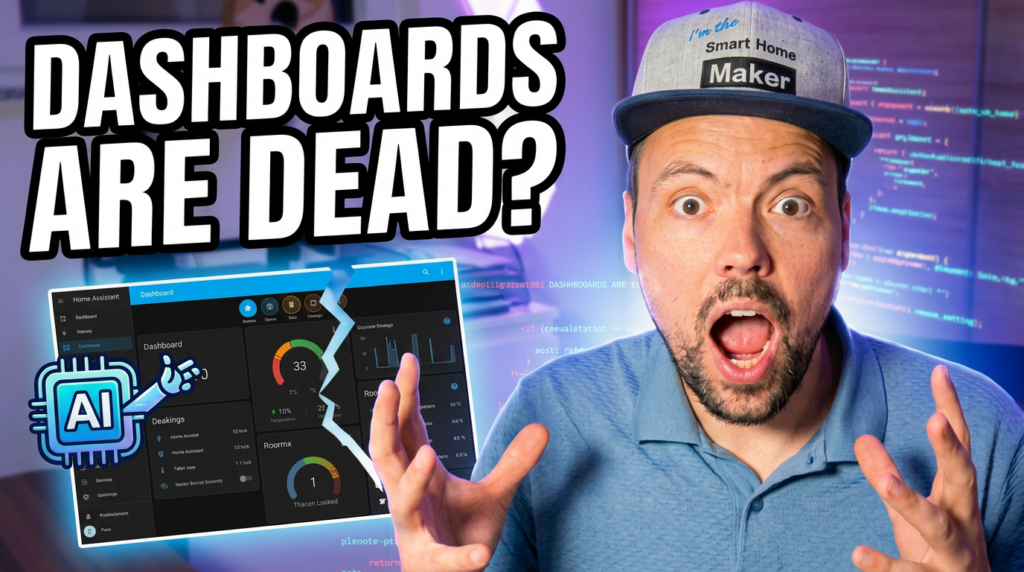
I’m going to say something that might get me kicked out of the community: The traditional Home Assistant dashboard is dead.
We’ve spent years YAML-hacking and fighting with grid layouts just to make our homes look… well, okay. But while we were busy tweaking Mushroom cards, the world changed. AI coding agents arrived. And they just made the standard dashboard obsolete.
The Pain Point We All Know
Look, I love Home Assistant. It’s the best brain a house can have. But the face? That’s a different story. If you want an interface that looks like it belongs in a sci-fi movie instead of the 2010s, you know the deal: Lovelace alone won’t cut it. Either you spend weeks fiddling with CSS or you live with the standard look.
As a maker, I’ve always wanted more. I want my dashboard to feel like a real app — not like Excel with colorful tiles. Until now, that required weeks of frontend coding. But thanks to AI coding agents like Cursor, Claude, and Bolt, that barrier just evaporated.
The Game-Changer: AI Coding Agents
Here’s what changed everything: I’m no longer limited by what a specific card or integration allows me to do. I can tell an AI agent: „Build me a React-based smart home dashboard with a glassmorphism design, animated weather icons, and a custom slider for my office lights.“
And it does. It writes the React code, handles the Tailwind CSS, sets up the WebSockets to talk directly to the Home Assistant API. The AI isn’t just helping me code — it’s acting as my senior frontend developer. It bridges the gap between „I have an idea“ and „here is the working prototype.“
My First Prototype
Let me show you what this looks like in practice. I built a custom web app that runs on top of Home Assistant — it’s not a HA View, it’s a completely independent interface:
- Fluidity: Smooth animations that react in real-time when I toggle a light or adjust a thermostat
- Precision: Every element is exactly where I want it, down to the pixel — no grid constraints
- Identity: It doesn’t look like everyone else’s dashboard. It looks like my home
I built this in a fraction of the time it would take to build a complex Picture Elements card in HA. The AI did the heavy lifting; I just did the „making.“
The Headless Smart Home Thesis
Here’s my thesis: We are moving toward a „Headless“ Smart Home era.
Home Assistant will remain the unbeatable backend — the engine under the hood. It handles automations, device management, integrations, and data. Nobody does this better. But the UI? We are going to stop using the built-in dashboards entirely.
Why settle for a one-size-fits-all interface when an AI agent can build you a bespoke, professional-grade UI in an afternoon? The „End of Home Assistant Dashboards“ isn’t a failure of the platform — it’s the liberation of the user.
What This Means for You
You don’t need to be a frontend developer. You don’t need to learn React or Tailwind. You need an AI coding agent and an idea. The tools are here, they’re accessible, and they’re getting better every week.
In my next video, I’ll show you exactly how I prompted the AI to get this result and how you can connect your own custom UI to your HA instance. If you want to dive deeper into AI in the smart home, check out my complete guide to AI in the Smart Home.
Watch the Full Video

Am I crazy? Is this too much work for the average user, or is the power of AI making „bespoke“ the new standard? I want to hear from the YAML warriors and the UI dreamers — drop your thoughts in the comments.



Leave a Reply